
Wizbook

Your MTG collection, with no account needed and no limits.

Scan or import your cards, browse them as images rather than rows, and build decks from what you actually own.

No sign-up needed. Just import and go.

No sign-up needed No card limits Imports and exports freely Your data stays yours

Wizbook is free, and local mode always will be

No account, no card limit, no ads, and nothing about your collection is sold or shared. Locally there is genuinely no ceiling at all: your collection can be as large as your own disk allows.

Wizbook Cloud is optional

It keeps your collection with you across devices instead of in a file you have to remember to move. A free account syncs up to 10,000 cards. Patrons of any tier get 250,000.

Cloud will never offer a truly unlimited tier

I would rather say that plainly now than let you discover it later. Every card synced sits on a server somebody pays for, and that somebody is me, funded by the people who choose to chip in.

Your collection is always yours

Export it to a file whenever you like, on any tier, and take it anywhere, including away from Wizbook.

Read the whole letter →

Wizbook grid view showing a visual collection browser with card tiles, prices, and filters

A visual desktop workspace for your MTG collection, decks, wishlists, and set completion.

A collection you can look at, not just query.

Flip through it like a binder, put every printing side by side, and build decks out of what is already in the box.

  • 👀 Collectors: grid view, all-versions compare, and colour-coded tags for themed runs like Oozes, full-art, or a favourite artist
  • 📈 Completionists: Set Analyzer ranks every set by how close you are to completing it, with one-click add to collection or wishlist
  • 🎮 Players: Deck Builder, Deck Simulator, Card Synergy, Deck Discoverer, and Cube Checker, all working from cards you actually own
  • 💰 Anyone selling or trading: live Scryfall pricing that knows the difference between a normal, a foil and an etched printing, so the value on screen is the value of the card in your hand

Discover every feature →

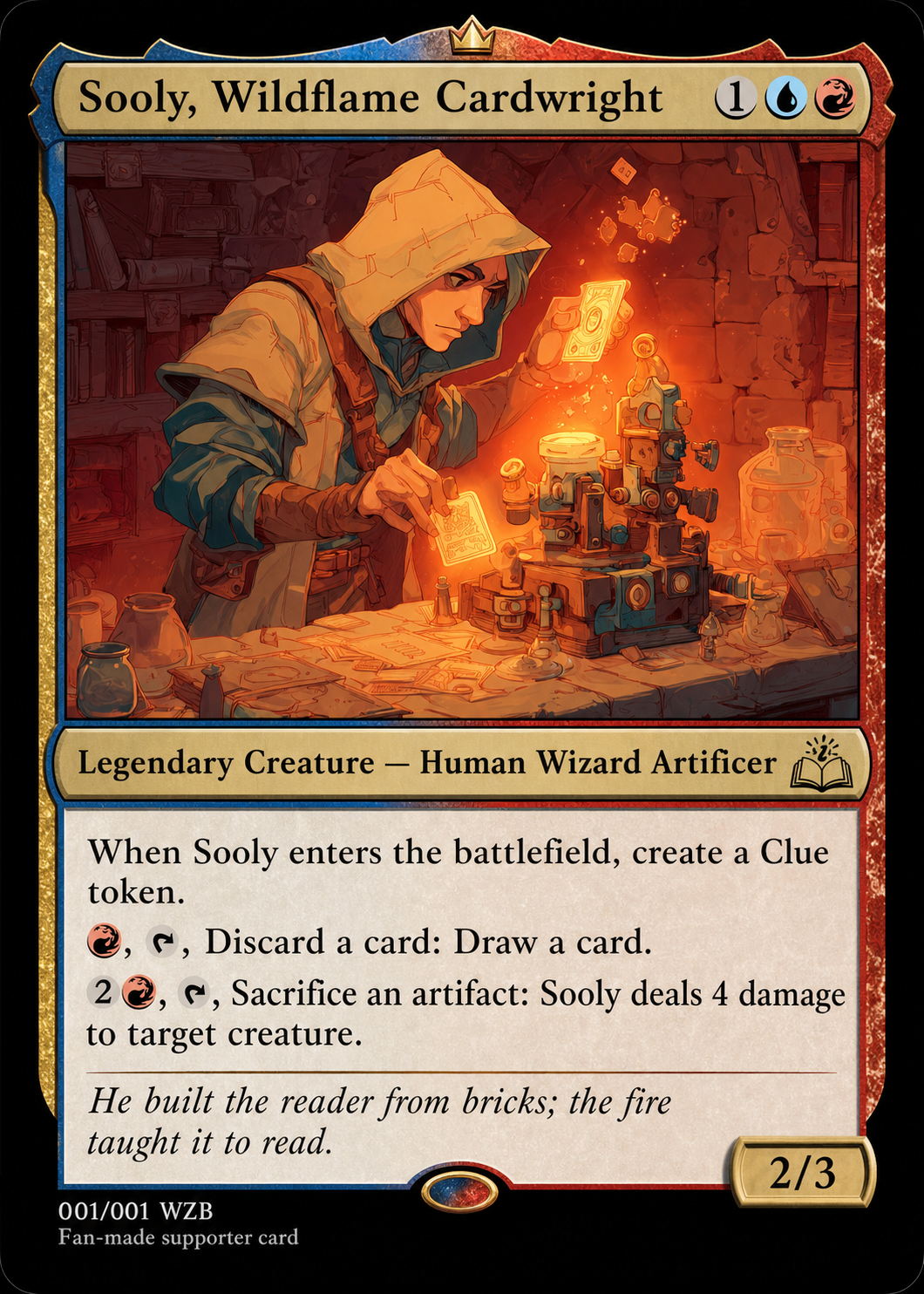
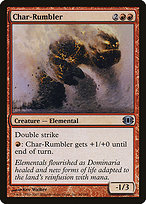
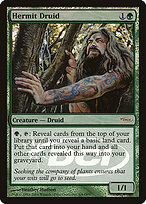
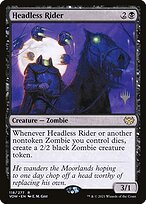
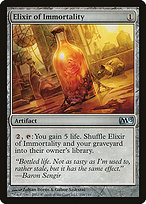
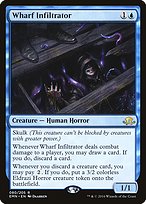
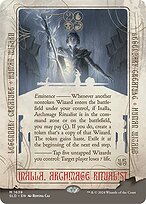
Sooly
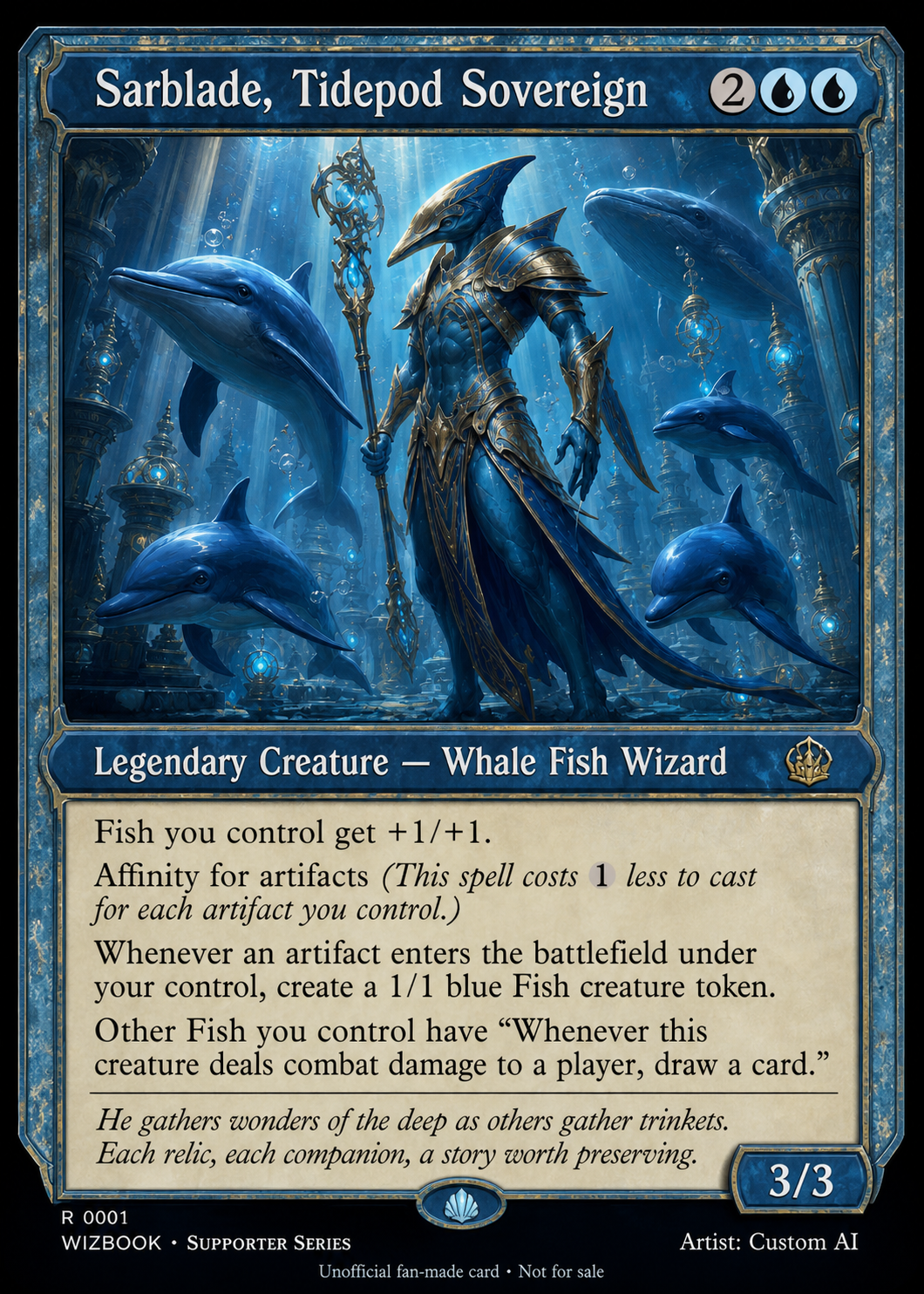
Sarblade
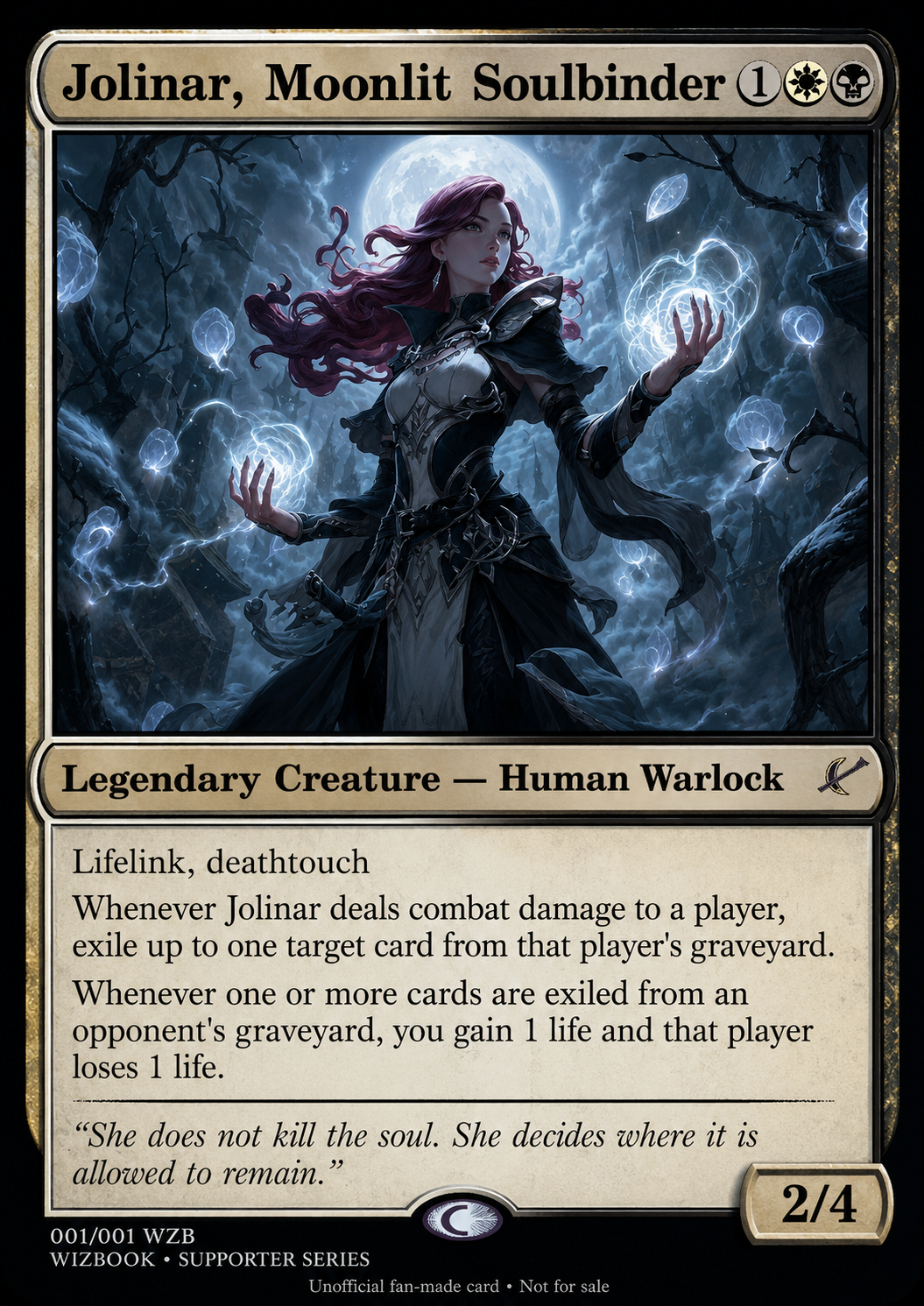
Jolinar
Frantic Yogurt

Shaped by our community

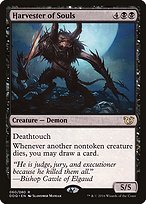
Real supporters, immortalised as custom MTG-style cards. Hover to meet them.

Meet our supporters →
Wizbook grid view showing a visual collection browser with card tiles

Get your collection in, and take it back out.

1

Start a collection

Scan cards in with your camera, or import what you already have from TCGplayer, Deckbox, ManaBox, Moxfield, Archidekt or any CSV. Wizbook works out the format and maps the columns for you.

2

See it as a grid or as a list

A grid of card images for looking at your collection, a sortable table for working on it. Sort by price, set, colour, rarity or mana value, filter on anything, and tag cards into your own groupings.

3

Put the Wiztools to work

Deck Builder, Deck Discoverer, Deck Simulator, Card Synergy, Set Analyzer, Cube Checker, Binder Manager, Wishlist Manager and the Rapid Card Adder. They stay shut until a collection is open, because every one of them reads from the cards you actually own. That is the point: they tell you about your collection, not about Magic in general.

4

Keep it, your way

No account: click Save and your collection downloads as a file. That file is your collection. Put it on a USB stick, open it on another machine, keep it forever. No cap, nothing expires.

With an account: Wizbook keeps that same file for you, so it is on your phone and your desktop without you moving anything.

Read the full getting started guide →

What Wizbook actually does.

Card Scanner

Point your camera at a card and it goes into your collection. It reads the name correctly 97.6% of the time, anywhere in the frame and at any angle, and it all happens on your own device.

Collection Tracker

See what you own, what it's worth, and how your collection is growing.

Visual Binder

Browse your cards visually with a layout that feels closer to a binder than a spreadsheet.

Deck Builder

Build decks from your own cards, check your curve, and keep your lists organised.

Deck Discoverer

Find deck ideas hiding inside the collection you already have.

Set Analyzer

Track set completion, spot missing cards, and turn gaps into wishlists.

Import & Export

Move your data in and out without being locked into one platform.

Card Synergy

Pick a card and see what in your collection plays well with it, with a line on every result saying why.

Wishlists

Track what you still want, what it would cost, and jump straight to a retailer when you decide to buy.

Explore every feature →

See every printing the way it actually looks.

Wizbook recognises regular foil and etched foil as distinct treatments and applies a different holographic shimmer to each, so you can spot a foil-only Secret Lair or an etched Multiverse Legends printing at a glance.

Move your cursor across a card and the shimmer follows. No screenshots, no guessing, just your collection looking the way it should.

Ragavan, Nimble Pilferer, regular foil (Modern Horizons 2) Foil
Ragavan, Nimble Pilferer, etched foil (Multiverse Legends) Etched

Your collection, on whichever device you picked up.

The optional half. Your collection saves to your account instead of to a file you carry around, so it is already there when you open Wizbook somewhere else.

No account

Unlimited

Every tool, every card, no ceiling. Save to a file and keep it forever.

Free account

10,000 cards

Synced across your devices, and exportable whenever you like.

Any patron tier

250,000 cards

Thanks for keeping the lights on. Any tier, not just the big one.

Copies of the same card count once. Decks, binders and wishlists do not count at all.

Why there is a ceiling at all

Every synced card sits on a server that costs real money, and Wizbook is funded by the people who use it rather than by a company. I am not made of money, so a limit has to exist somewhere. What I can do is set it high enough that almost nobody meets it, publish the number instead of saying “unlimited”, and never quietly move it. Local mode stays uncapped, because that costs me nothing and it is your data.

Your cards are yours. Wizbook is built that way.

The specifics, beyond the promise above.

🚫

Zero analytics

No tracking scripts, no advertising, and nothing that can identify you. Wizbook keeps a plain tally of how often features are used, with no idea who did what.

🗃

Storage you choose

Without an account your collection lives in an isolated session that is deleted automatically once that session ends. With one, it is saved to your account and you can delete it yourself at any time.

Full privacy details →

Built for players, by players.

70,000+ cards indexed
6 platforms supported
17 releases shipped

“I LOVE that it is desktop heavy.”

- Reddit user

“A tool that is mostly visual… I love this. I have been looking for so long.”

- Reddit user (collector)

“I honestly cannot thank you enough for this tool.”

- Reddit user
Join the Discord →

Made Possible By You

Every feature, fix, and improvement has been shaped by the Wizbook community. Thank you to the supporters and collaborators who keep this project going.

Support on Patreon ☕ Buy me a coffee

Wizbook stays free for everyone. Support is optional, but deeply appreciated.

See all supporters →

Version 2.0.0

Full release notes →

Ready to organise your collection?

Open Wizbook, import your cards, and start building from what you own. No sign-up required.

Open Wizbook →

Common questions

Is Wizbook really free?

Yes. Wizbook itself is free, uncapped and ad-free, and always will be. It is paid for by Patreon and Ko-fi donations from the people who use it. Patrons get a larger Wizbook Cloud ceiling as a thank-you, but nothing in Wizbook itself is locked behind it.

Do I need to create an account?

No. Open the app and start immediately, and Wizbook will not ask for your name, email or payment details. An account is only needed for Wizbook Cloud, which is entirely optional.

Where is my collection stored?

Without an account it lives in a temporary server session and is deleted automatically once that session ends, so download it as a JSON file to keep it. With Wizbook Cloud it is saved to your account instead, and you can still export it whenever you like.

Why are the tools greyed out?

Because there is no collection open yet. Every tool in Wizbook measures something against the cards you own, so they have nothing to work on until a collection exists. Click New Collection to start an empty one, or Open Collection to load a file you saved earlier, and they all come to life. An empty collection is enough to get going: scan or type your first card and the tools start answering.

Can I import from other apps?

Yes. Wizbook imports from TCGPlayer, Deckbox.org, ManaBox, Moxfield, and Archidekt. It auto-detects CSV formats and maps columns automatically.

Does Wizbook work on mobile?

Yes. As of version 1.22.0 every screen has been redesigned for phones rather than shrunk to fit them: a five tab bar, bottom sheets, a deck builder that reads as one screen, and card scanning built for a phone camera. Desktop is still the roomiest way to work, with resizable columns and panels side by side, but nothing is off limits on a phone.

Does Wizbook track me or sell my data?

No. There are no analytics, no advertising and nothing that can identify you, and your collection is never sold or shared with anyone. Wizbook does keep a plain tally of how often features are used, the sort of counter you would keep on a wall: it records no identity of any sort and never leaves the server. Card data and images come from Scryfall. If you use the card scanner, the cropped name bar of the card goes to OCR.space to be read as text, and nothing else about you goes with it. If you use Wizbook Cloud, your collection is stored in Wizbook's own database. That is the whole list.

Open Wizbook →